Every capability Cloud Haven Backup ships with.
Continuously protect, instantly recover and centrally govern — from one console.
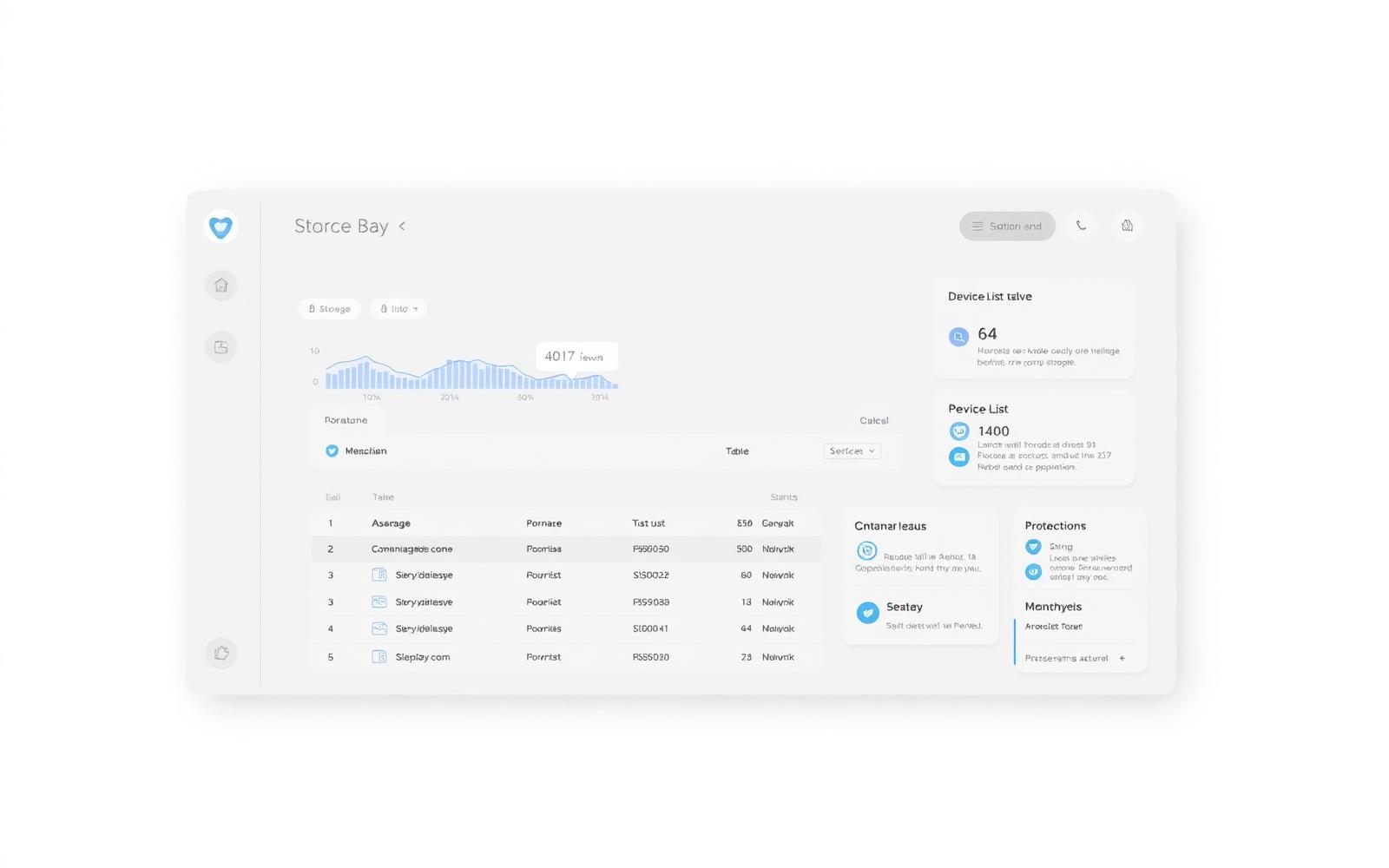

Backups that happen the moment files change.
Cloud Haven watches your folders in the background and uploads only the changed blocks — so protection is current without saturating your network.
- Block-level incremental uploads
- Bandwidth throttling and quiet hours
- Pause / resume per device

Roll back to any point in time.
Browse every previous version of a file with rich previews. Restore one file, a folder, or a whole device to exactly the state you need.
- Point-in-time restore
- Version history with previews
- Restore to original, new folder or download

A restore wizard built for the worst day.
When something goes wrong, you don't want to read docs. Our guided wizard walks anyone through restoring the right data to the right place — safely.
- Guided restore wizard
- Safe restore mode for ransomware
- Confirmation step before overwrite

AES-256 encryption — your data, your keys.
Files are encrypted on your device before they ever leave it, with TLS 1.3 in transit. Optional zero-knowledge mode means even we can't read them.
- AES-256 client-side encryption
- TLS 1.3 in transit
- Optional customer-held keys

Immutable backups attackers can't touch.
Recent versions are retained in tamper-resistant storage and monitored for anomalies. If something encrypts your files, we already have a clean copy.
- Immutable retention windows
- Anomaly detection on unusual changes
- Safe restore points

Centralized control for teams of any size.
Add members, assign roles, push backup policies and review activity from one console. Built for IT, friendly enough for office managers.
- Roles: Owner, Admin, Manager, Member, Viewer
- Centralized backup policies
- Per-user activity reporting

See exactly what's using your space.
Breakdowns by device, file type and user help you decide what to keep, what to exclude and when to archive — without guesswork.
- Storage breakdown by type and device
- Exclusion rules (folders, types, sizes)
- Cold-tier archival for older versions
Always know the status of every device.
Live device health, last-backup timestamps and scheduled email reports keep stakeholders informed — without anyone logging in.
- Live device health
- Scheduled email reports
- Per-device activity timeline
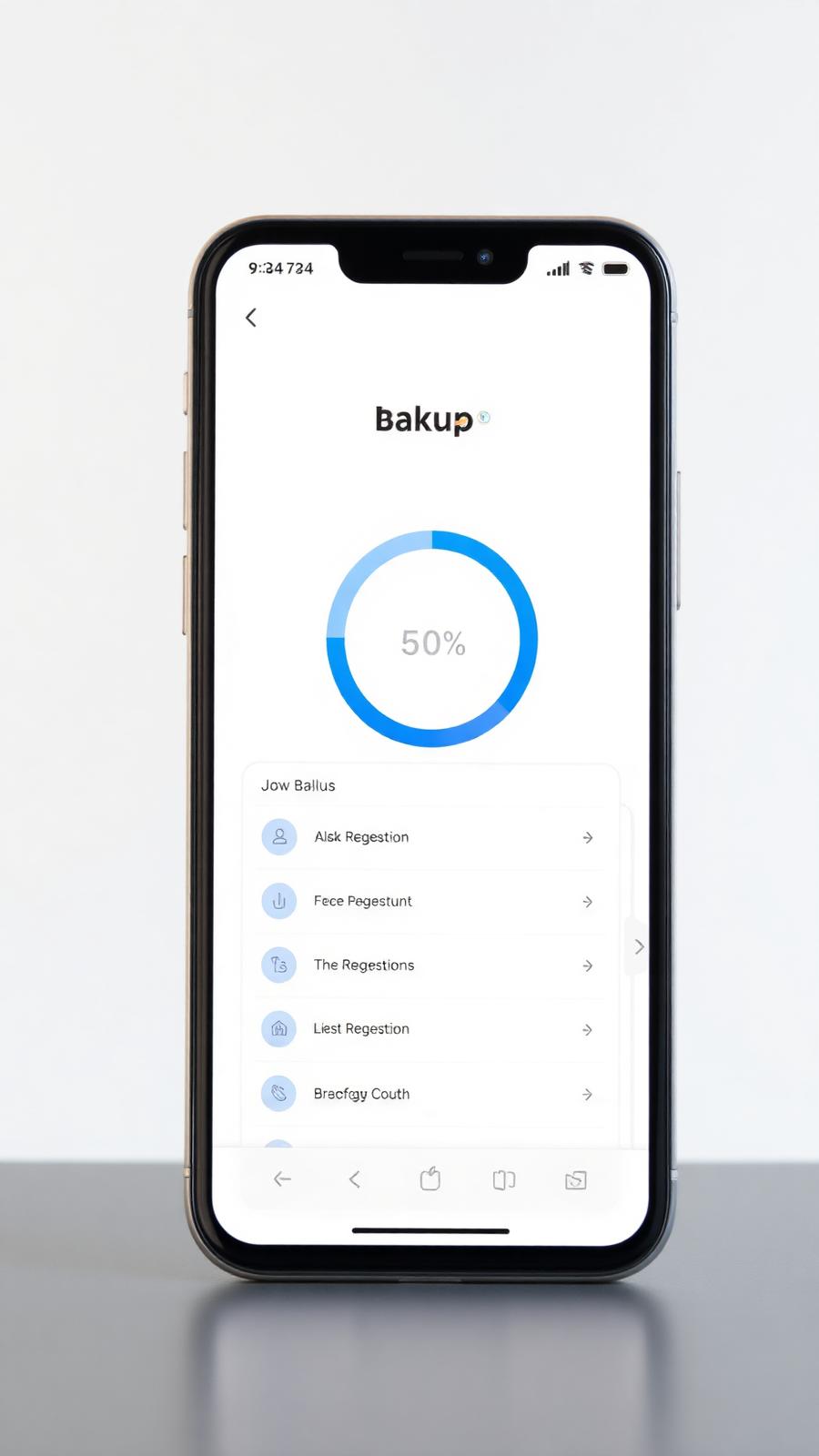
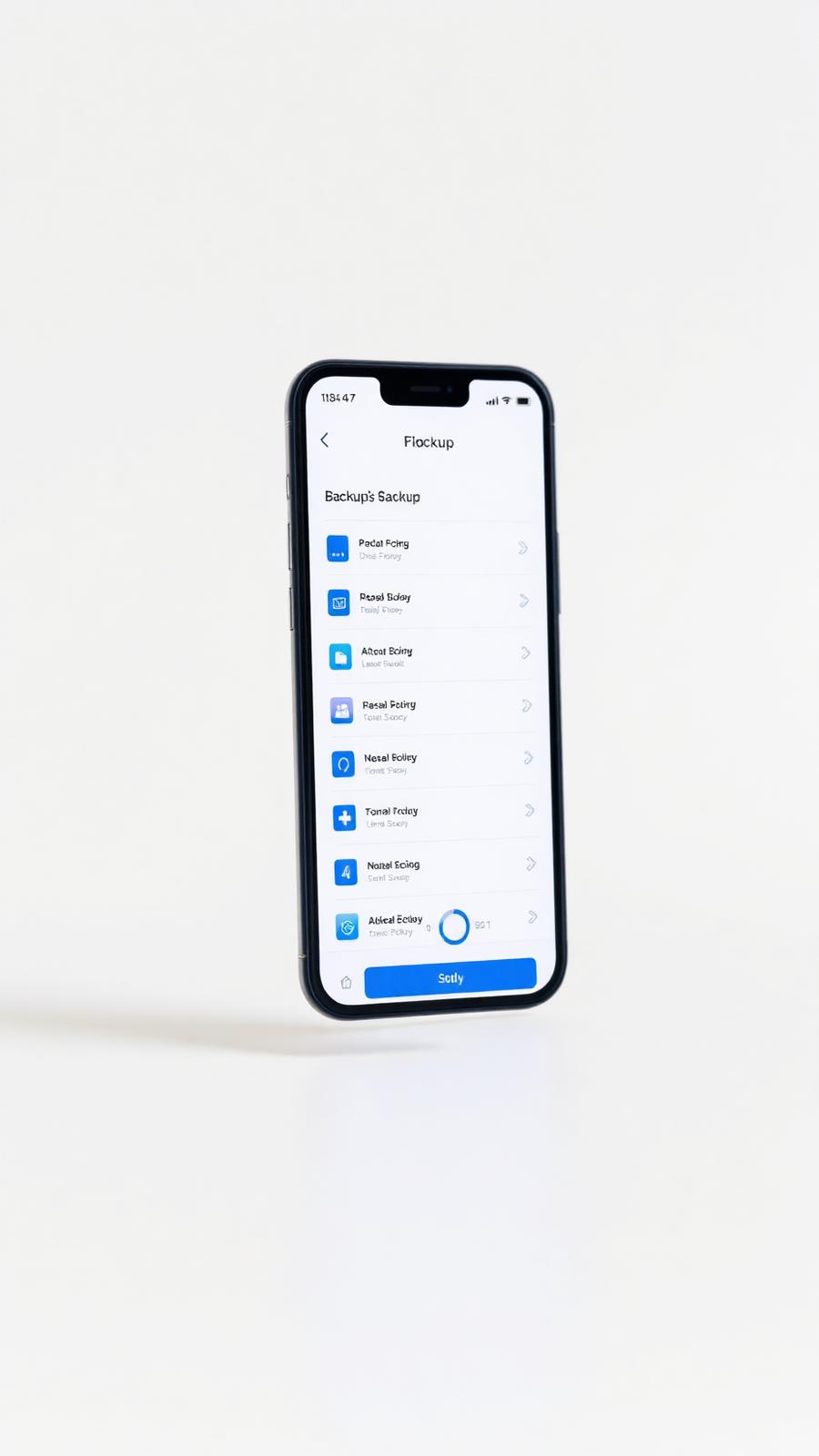
Works on the devices your data already lives on.
The full capability list.
Grouped by what you'll actually use it for.
Protection
- Continuous, automatic backup
- Scheduled and on-demand jobs
- Block-level incremental uploads
- Compression and deduplication
- Bandwidth throttling and quiet hours
- Pause / resume per device
Recovery
- Point-in-time restore for any file or device
- Version history viewer with previews
- Restore to original location, new folder or download
- Bare-metal device recovery (UI placeholder)
- Safe restore mode for ransomware scenarios
- Restore wizard with confirmation step
Security
- AES-256 client-side encryption
- TLS 1.3 in transit
- Customer-held keys (optional zero-knowledge mode)
- Two-factor authentication and SSO (Business)
- Active session management
- Anomaly detection for unusual deletions or encryption
Team & governance
- Role-based access: Owner, Admin, Manager, Member, Viewer
- Centralized backup policies
- Audit log with export (UI placeholder)
- Per-user activity reporting
- Scheduled email reports
- API keys / access tokens (UI placeholder)
Storage & optimization
- Storage breakdown by file type and device
- Largest items and duplicate candidates (UI placeholder)
- Retention impact estimator (UI placeholder)
- Exclusion rules (folders, file types, sizes)
- Cold-tier archival for older versions (UI placeholder)
Platforms
- macOS 12+
- Windows 10 and 11
- Ubuntu, Debian, RHEL, Fedora
- Synology and QNAP NAS (UI placeholder)
- External and network drives
- Mobile companion app for restore (UI placeholder)
Built to support your compliance efforts.
Centralized policies, audit-ready logs, scoped admin roles and exportable reports — so your security and IT teams can demonstrate control without slowing the business down.
- Data residency awareness in storage breakdown
- Retention policies per device, per team
- Scoped admin roles for least-privilege access

Ready to protect everything that matters?
Instant activation after payment. Choose the plan that fits your storage needs.